
Install from Google Play
Google Play handles the secure install, updates and purchase confirmation.
Open Google Play ↗ CounterHype
Get the app
CounterHype
Get the app
CounterHype for Android
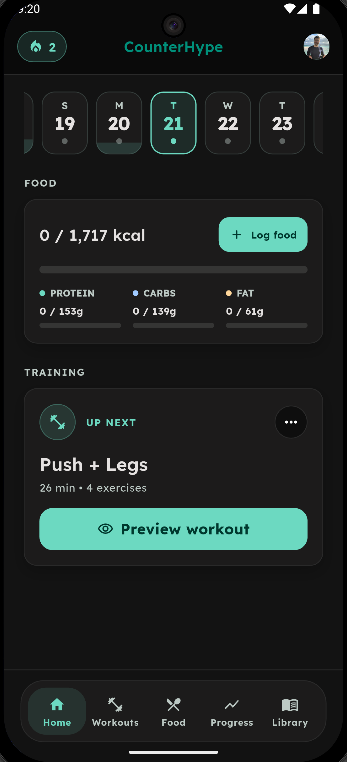
Install CounterHype securely from Google Play and continue with personalized training, fast food logging, Adaptive Coach Reviews and progress tracking.
Your exact local price and subscription terms are shown by Google Play before purchase.
 Scan with your phoneOpen the Google Play listing
Start in minutes
Google Play handles the secure install, updates and purchase confirmation.
Open Google Play ↗Use Google or email. Returning customers should use the account connected to their existing CounterHype data.
If Google Play already shows an active subscription, use Restore purchases in CounterHype to reconnect Pro.
Already installed?
If you built a website preview, sign in with the same CounterHype account before opening the handoff. Need help with installation, restoration or account access?
Visit support